Your Download is Ready
🎀 Before you Download
AI Search is hurting content developers like Vertex42. You can help us continue to provide great content by marking Vertex42 as a preferred source for Google search.
Please choose Vertex42.com as one of your preferred sources by clicking on the button below before downloading your file.

Thank you!
1 Download the World Meeting Planner
Click once on the green button to download the file, then save to your computer or device.
⤓ DownloadFilename: world-meeting-planner.xlsx
Return to the World Meeting Planner page to learn more about this template.
2 Need Help? Ask AI (ChatGPT, Copilot, Agent Mode, etc)
AI Agents have become increasingly useful for Excel. You can also use ChatGPT and other AI tools to help you understand concepts and answer basic Excel questions.
Sample Prompts for AI:
- I downloaded the World Meeting Planner from Vertex42.com. How should I get started using this template?
- Please explain how loan, interest, and repayments work.
- What are some tips for using the World Meeting Planner that can help me get the most out of it?
- I can't seem to edit the background color in an Excel file. What might be causing that, and how do I edit the color?
3 Learn More About Excel!
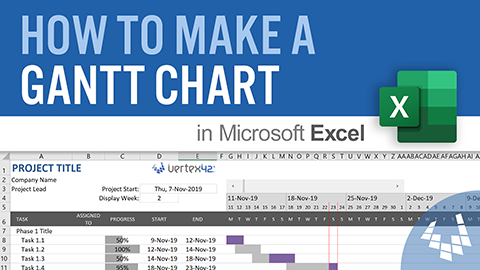
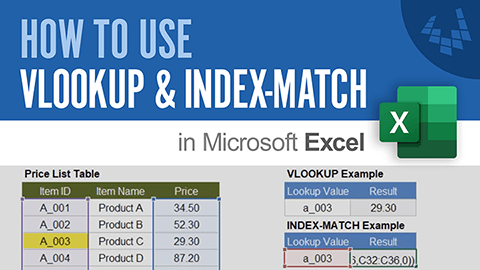
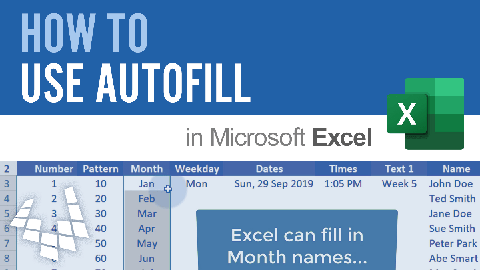

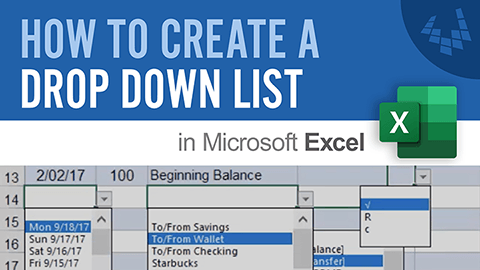

4 Try More Templates

5 Stay Connected ...
If you like our templates, stay connected using one or more of the following methods:
 Follow us on
 Follow us on
 Follow us on
 Follow us on
 Follow us on
 Follow us on

