After looking at the search data on my site, the one phrase in the top 10 that kept coming up was "checklist". So, by popular demand, we've created a few different printable checklists along with some checklist templates that you can edit in Excel, Word and Google Sheets.
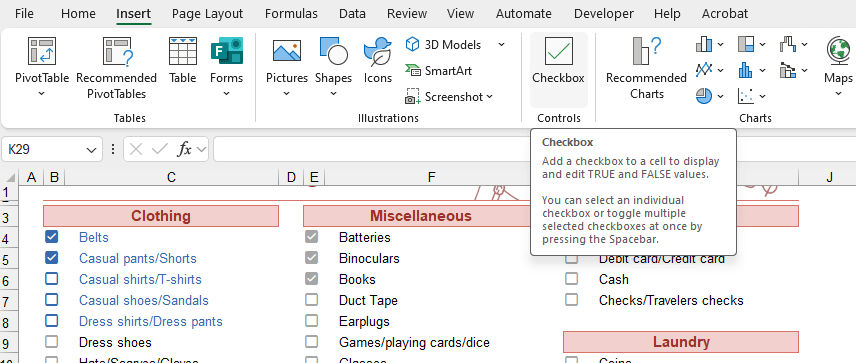
Update 11/20/23: Good News! Excel is finally adding an in-cell checkbox feature like Google Sheets. This will make to do lists and checklists SO much better and easier.
Advertisement
Check List Templates
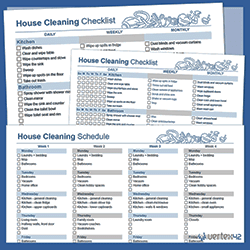
A room-by-room cleaning checklist for daily, weekly, and monthly tasks.
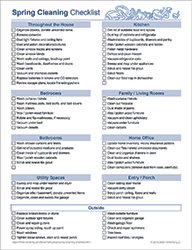
A room-by-room checklist for seasonal cleaning.
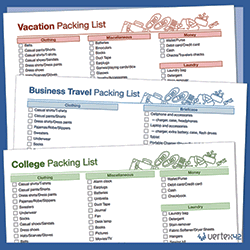
Be prepared for your vacation, business travel, or college.
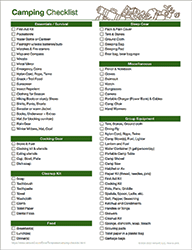
Use this camping checklist to help you remember the essentials.
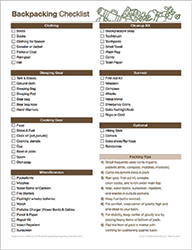
Use this backpacking checklist to help you remember the essentials. It also provides some tips for how to pack.
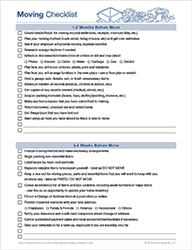
Things to do to get ready and things to do after you have moved.
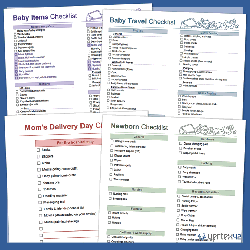
A comprehensive list of baby supplies including general care, clothing, diapers, feeding, sleeping, travel and entertainment.
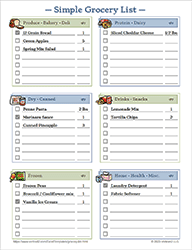
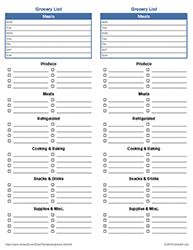
Print and customize your grocery shopping list.
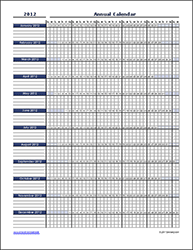
This calendar was designed as a checklist for tracking resolutions or other daily tasks.
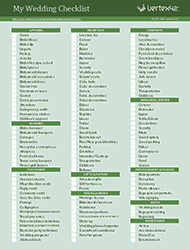
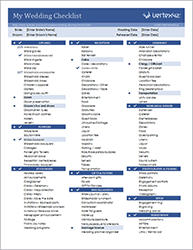
Use this wedding planning checklist to help you avoid forgetting important details.
List your weekly meals and create a categorized grocery list using this simple template for Excel.
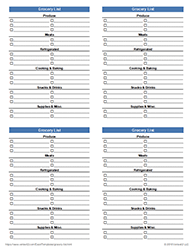
Print four separate grocery lists on a single page then fold in half twice to make a list that fits in your pocket.
Get even more organized with a wedding checklist that lets you mark priority items. Uses fun Excel features like conditional formatting to cross out items when completed.
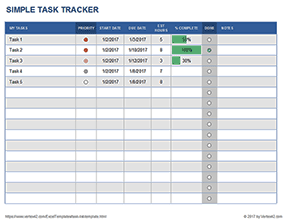
Create and share a simple to do list. Update the status, priority and due date. Add or remove columns.
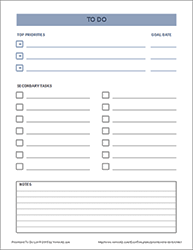
A printable to do list for highlighting your three most important tasks.
A very simple 2-column or 3-column printable to do list for Excel or PDF.
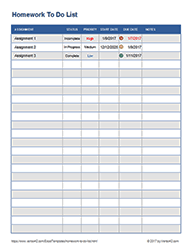
Use a spreadsheet to track your homework assignments or print a blank homework list.
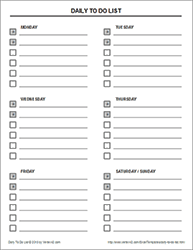
Print a to do list for checking off your most important tasks on specific days of the week.
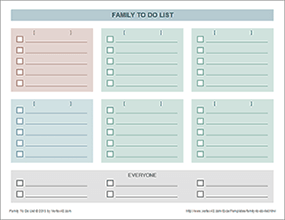
Print separate to do lists for different family members or task categories on one page.
A simple general-purpose Excel task list for simple projects.
A general-purpose task list for assignments, projects, or whatever.
An awesome way to list and track action items for meetings.
Other List Templates
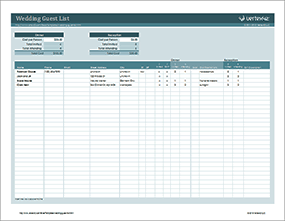
Make a list of people to invite to your wedding dinner and reception. Track RSVPs and estimate costs.
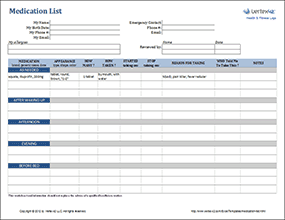
Create and print a list of your medications, pills, vitamins, and supplements.
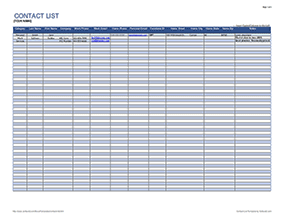
Create a list for gifts, Christmas cards, service company contacts, etc.
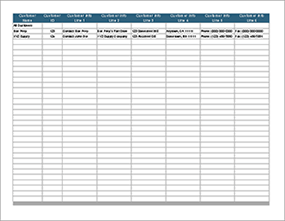
Add a Customer List worksheet to your invoice, work order, or other worksheet. Includes instructions for how to set up a drop-down list and create lookup formulas.
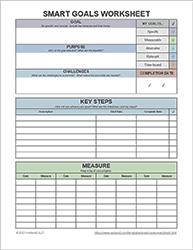
This SMART goals worksheet helps you structure and track a goal that is Specific, Measurable, Attainable, Relevant and Time-Bound.
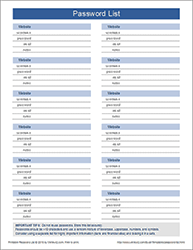
Keep track of your online usernames and passwords with a printable password list. Remember to store your list in a secure location.
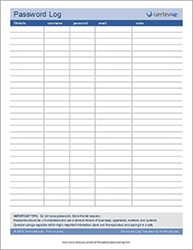
Maintain a sortable list of online usernames and passwords using Excel. Remember to store your data securely. Not recommended for websites that store financial or other sensitive data.
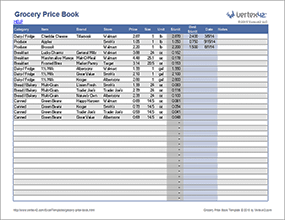
Track grocery prices so that you can know when to buy items on sale. Edit and use on the go via mobile Excel.
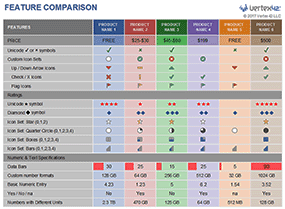
This template includes many different techniques for creating a feature comparison table with ratings and check marks.
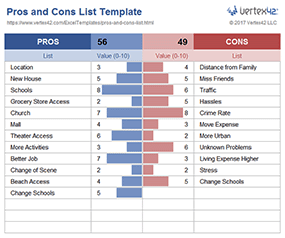
Create a pros and cons list when you need help making an important decision.
Learn how to create a sortable 2-column phone directory in Excel.
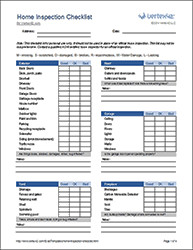
A room-by-room inspection checklist for home buyers and sellers. For personal use, not for official certified inspections.
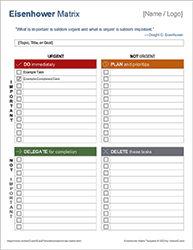
Use an Eisenhower Matrix to prioritize your tasks based on urgency and importance.
Creating Checklists in Excel
Excel now has an in-cell checkbox feature in Microsoft 365. The checkbox is embedded in the cell, which means that it behaves like data and can be referenced in formulas. It is easy to insert a checkbox; simply go to Home > Insert > Checkbox, or you can right-click and choose "Insert > Checkbox."
Here are some other methods for creating checkboxes in Excel, along with an explanation of the uses and pros/cons.
- Cell Borders - This is perhaps that simplest and fastest way to create a checklist from scratch. Just size the column containing the check boxes so that they appear square. It is easy to customize by copying and pasting items, inserting new items, etc. I use this approach in the wedding and camping checklists.
- Special Unicode Characters in Data Validation Lists: ☐, ☑, ✓, ✔ - This may be my favorite approach. You can include special characters like this in a Data Validation drop-down list. This isn't quite as good as clicking once to fill in a checkbox, but it is great for the mobile Excel apps and is compatible with older versions of Excel. The only hard part is remembering how to insert a check mark symbol in Excel. For more information, see my article Using Unicode Character Symbols in Excel.
- Parentheses ( ) or Brackets [ ] - This is a very common simple approach for including a checkbox within a text-based file. You'll see this approach used a lot in legal documents and other types of forms. If that's the look you're going for with your checklist, then by all means, go for it.
- Autoshapes (Drawing Objects) - I don't recommend this approach unless you are going for something fancy, like using fluffy clouds in your check list. Moving a bunch of autoshapes around in the spreadsheet can get messy and annoying.
- Checkbox Form Object - Use the checkbox form field only if you are wanting to add interactivity to your checklist. The checkbox form field, found in the Forms toolbar, can link to a cell in the spreadsheet without requiring any Visual Basic programming. The linked cell will be a boolean value TRUE or FALSE. Like the drawing objects, working with a large number of checkboxes can get messy.
Creating a Checklist in Google Sheets
Google Sheets beat Microsoft to the punch and introduced a Checkbox as one of the Data Validation options. You can go to Insert > Checkbox to quickly create one, and you can customize it by going to Data > Data Validation. I've updated most of the Google Sheets versions of my checklists to use that feature. I hope Excel gets smart and introduces a similar feature some day.
Sharing Our Checklists
Our checklists and checklist templates are licensed for personal use only. However, to avoid a bunch of emails, I will also say that I am okay with you doing almost anything with these checklists except posting the checklist (or anything you have created using the checklist template) on the internet or selling it. That includes permission to print and distribute as many paper copies of your checklist as you need. Don't remove the copyright or hyperlinks that I've included in the spreadsheet, though.
Thank you.