Excel Calendar Template
The easiest way to create a calendar in Excel is to use a professionally designed template. The free Excel Calendar Template on this page was one of my first and most popular templates. It is easy to use and includes useful features like common holidays, mini previous/next month calendars, and highlighted weekends. We have created many other types of calendar, including printable calendars, yearly calendars, planners and schedules.
One of the reasons many people prefer an Excel calendar over other calendar software is the flexibility that a spreadsheet gives you when entering events, highlighting cells, formatting, etc. Excel, originally created for accounting purposes, has become one of the most popular tools for creating custom calendars.
Theme-Enabled Excel Calendar Templates
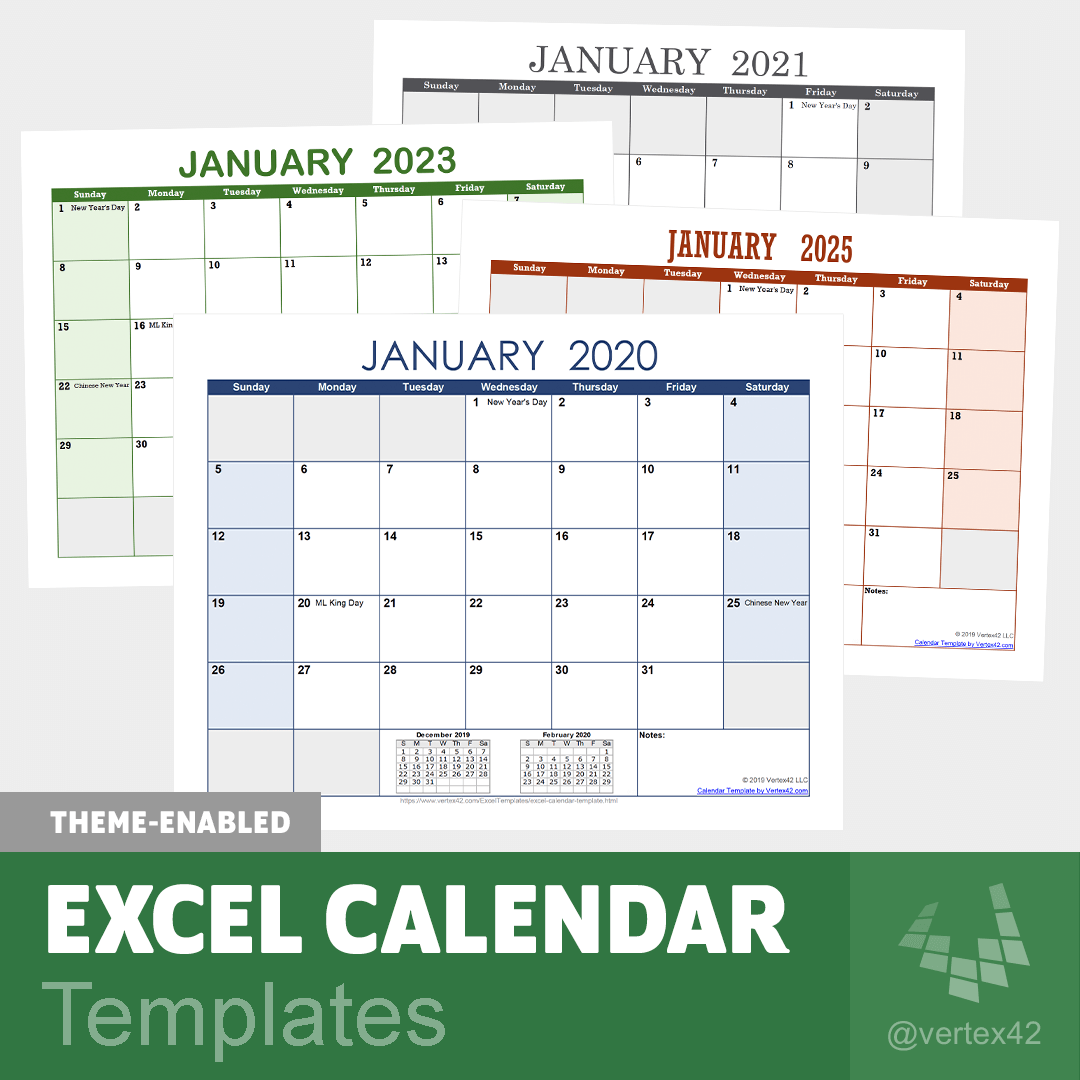 Create great-looking calendars in seconds by selecting the theme of your choice from Excel's gallery of colors and fonts via the Page Layout tab (Themes require Excel 2007 or later).
Learn more about Theme-Enabled Templates
All of the calendars shown in the image to the right were created by just modifying the theme fonts and colors.
Download the 2026 Calendar (.XLSX)
Download the 2027 Calendar (.XLSX)
Download the 2028 Calendar (.XLSX)
Download the 2029 Calendar (.XLSX)
More designs for our theme-enabled calendar templates
Calendar Templates with Digital Stickers
 If you enjoy adding some art to your calendars, try our new digital calendar stickers. The files below have custom images already inserted for many of the holidays, and come with over 100 other images to help you add some fun and flair to your to-dos and events.
Learn more about Digital Calendar Stickers
2026 Calendar with Stickers (.XLSX)
2027 Calendar with Stickers (.XLSX)
2028 Calendar with Stickers (.XLSX)
2029 Calendar with Stickers (.XLSX)
Excel Calendar Template
The Original - over 2.5 million downloads - For 2026 and Beyond!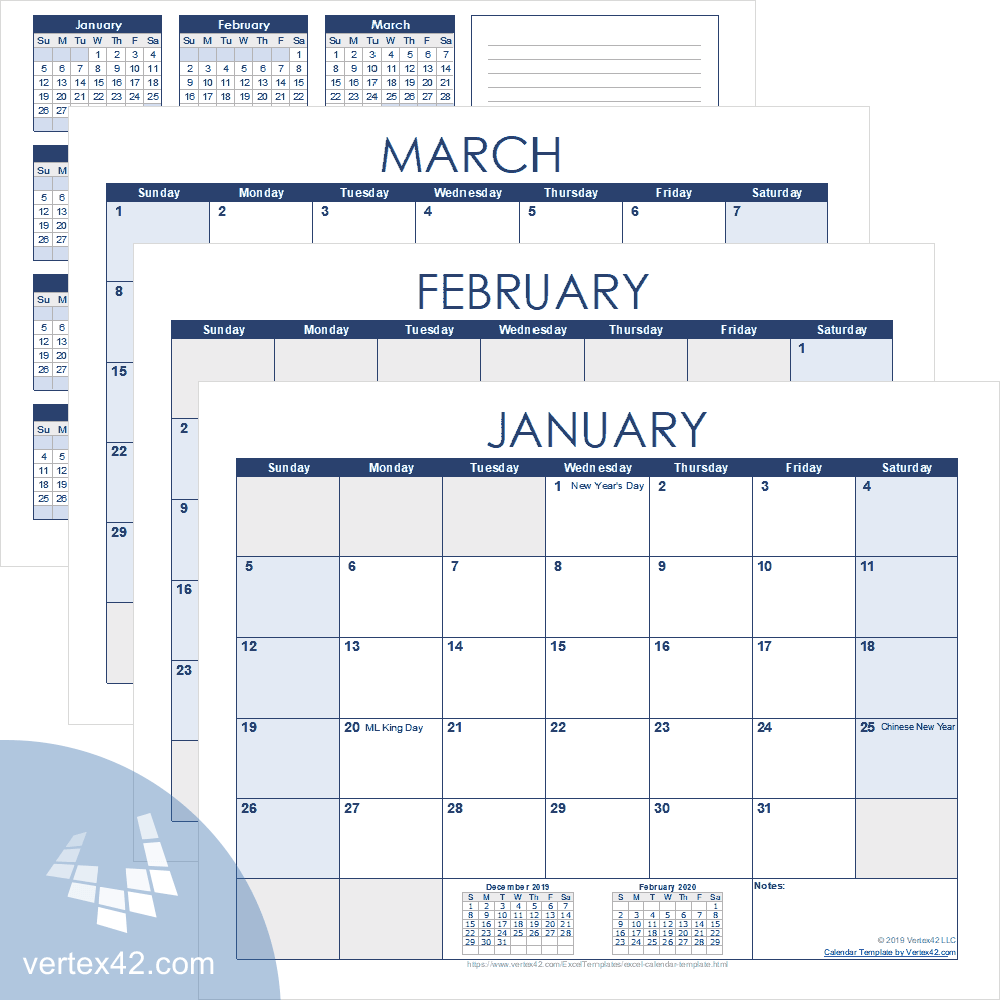
For the newer Excel XLSX versions, use the download links listed above.
Other Versions
Description
Each of the Excel files includes a yearly calendar worksheet followed by 12 monthly calendars on separate worksheets. There are no complicated formulas in these files, so you can easily add events, birthdays, anniversaries and holidays, to create calendars for your family, club, or organization. Some U.S. holidays and observances are already included.
These full-year calendar spreadsheets do not contain VBA macros. You can change formatting, merge cells to create events spanning multiple days, and otherwise modify the calendar without having to worry about messing up the dates.

The screenshot on the left shows what our original free calendar template looked like. Before Excel 2007 came out with a good color palette, we used macros within the template to generate color schemes for our calendars. Now, you can download the theme-enabled versions listed above if you want a way to easily pick different colors for your calendar.
Other Free Excel Calendars
- Yearly Calendar Template - Download, customize, and print free yearly calendars using Excel.
- Monthly Calendar with Holidays - List your birthdays and other events and use this calendar from year-to-year.
How to Make a Calendar in Excel using Built-In Templates
To use one of the calendar templates from the Microsoft template gallery, follow these steps after opening Excel:
- Go to File > New
- Look for a calendar in the featured set of templates or enter "calendar" in the search field.
- Click on the template thumbnail to preview or open directly in Excel.

Follow Us On ...