2026-2027 School Calendar Templates
Download a School Calendar template for the 2026-2027 or 2027-2028 school year and easily edit it using Excel. Use our templates to create calendars for public, private, or home schools. The templates include both monthly and yearly school calendars, and the yearly calendars work for any school year.
If you want to quickly print a school year calendar, see our printable academic calendars page. If you want a monthly school calendar starting in January, like our printable calendars, or want to choose the starting month, try our new perpetual calendar template.
Monthly School Calendar Template
for Excel and Google Sheets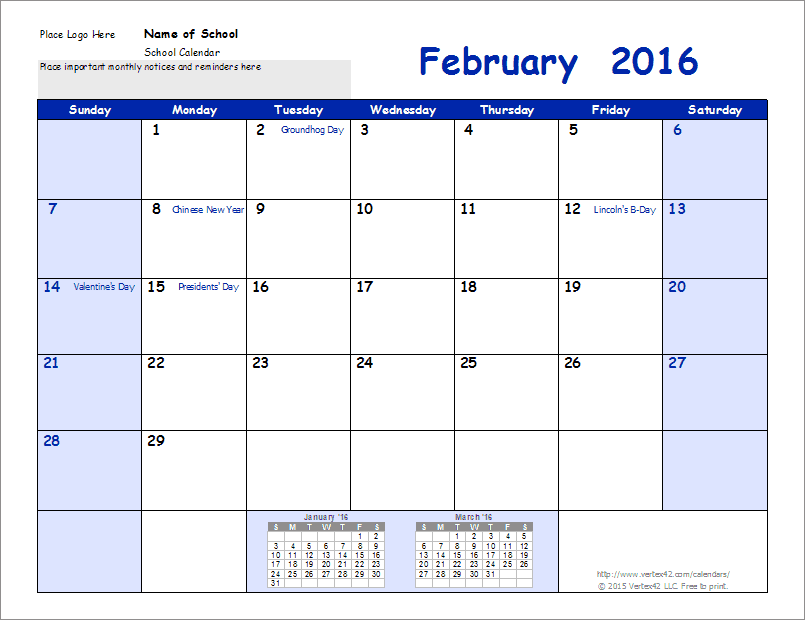
Download
⤓ Excel (.xlsx)License: Private Use (not for distribution or resale)
Other Versions
Description
This download contains a collection of 14-month calendars with each month on a separate worksheet (from July to August of the following year). The collection currently contains calendars for the school years 2021-2022 through 2024-2025, including versions that show the week as Monday-Sunday.
Excel makes it easy to choose different color schemes (via Page Layout > Colors). See the very bottom of this page for information about how to create a PDF of your 2026-2027 calendar to post on your school's website.
14-Month School Year Calendar
for Excel and OpenOffice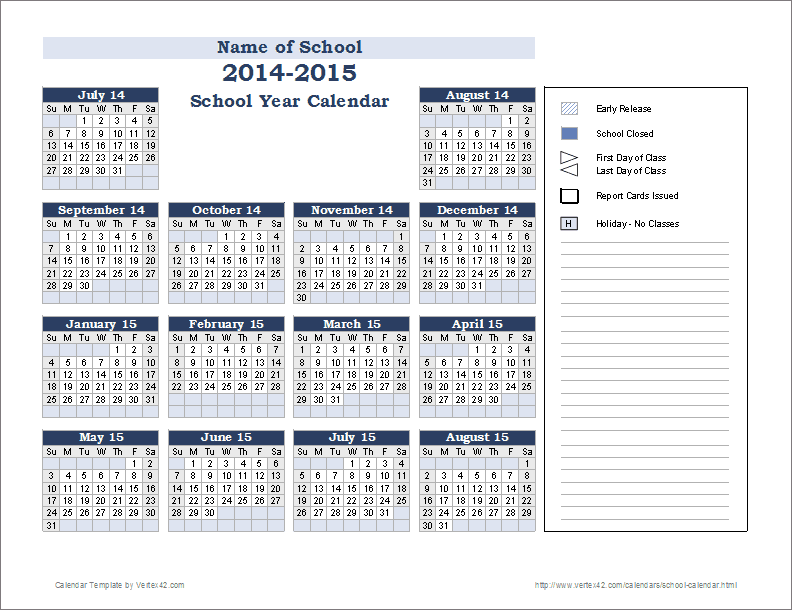
Download
⤓ Excel (.xlsx)License: Private Use (not for distribution or resale)
Description
This 2026-2027 school-year calendar works for any year and shows 14 months on a page (starting with the month of your choice). Like the other school-year calendars, you can make a list of special events and format cells differently for different types of events.
School Event Calendar
for Excel and OpenOffice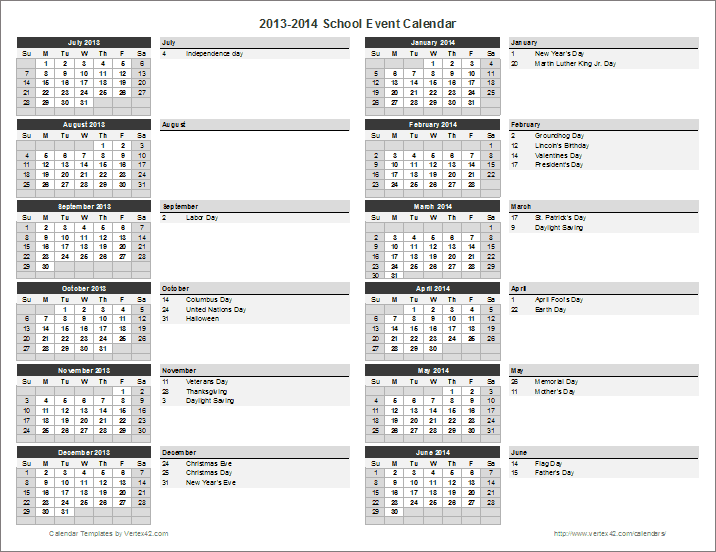
Download
⤓ Excel (.xlsx)License: Private Use (not for distribution or resale)
Description
Use this template to create a 12-month school event calendar with dates listed for important events and holidays. Some U.S. holidays are included and update automatically when you change the year. Works for any year and includes a Monday-first option.
School Year Event Calendar
for Excel and OpenOffice
License: Private Use (not for distribution or resale)
Description
A 14-month school event calendar for listing the year's events in detail, with mini-calendars on the left side. Works for any year, with a Monday-first option. Includes some U.S. holidays that update automatically when you change the year.
School Year Calendar
for Excel and OpenOffice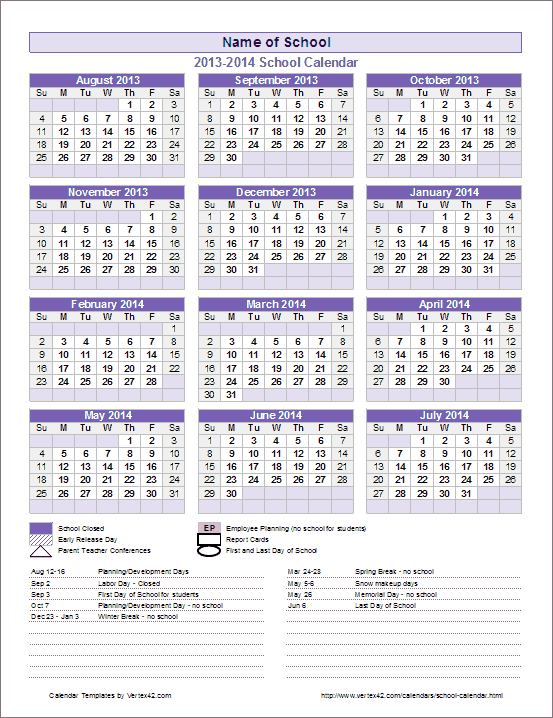
Download
⤓ Excel (.xlsx)License: Private Use (not for distribution or resale)
Description
A full-year (12-month) school-year calendar, good for any year, and you can choose the start month. This is a very popular template for creating and publishing a school calendar.
You can share the calendar by converting it to a PDF. Just print to a PDF driver. Or, if you are using Excel 2010 or later, you can save the file as a PDF.
District School-Year Calendar
for Excel and OpenOffice
Download
⤓ Excel (.xlsx)Other Versions
License: Private Use (not for distribution or resale)
Description
This calendar template is general enough to be used for a single school, but we originally created it for a school district. It allows you to show a full school year and list specific events for different schools. You can change the labels in the "Category of Events" sections to be the names of the schools in the district.
To create a PDF to share with parents and faculty, simply go to File > Save As and save it as a PDF.
Horizontal School Year Calendar

Horizontal School Year Calendar ▶
If you are looking for something new and a little different, check out the horizontal yearly calendars. One of the templates was designed specifically for showing school events.
School Calendar Color Schemes
New: The new .XLSX versions (for Excel 2007 or later) are theme-enabled, meaning that you can change the color scheme by going to Page Layout > Colors. You can also change the theme fonts by going to Page Layout > Fonts.
Publishing Your School Calendar as a PDF
I often get asked for permission and/or help to create a PDF that can be placed on a school's website. That is what these templates have been designed for, but you must provide a reference link to Vertex42.com on the website or in the footer of the PDF. If you place a link on your site, feel free to link to this page or one of our other free calendar pages.
Newer versions of Excel (2010 or later) allow you to choose "Adobe PDF" as a printer option when you print. You can also choose "PDF" as a file type when you use Save As.
 Charts and Graphs
Follow Us On ...